 Minecraft Development Studio
Classic release
Available on CurseForge. Built for compatible Minecraft Java Edition Paper servers, using a command-driven parcel workflow and physical locked delivery barrels.
Send items to friends across your Minecraft Paper server without travelling. SendAnywhere turns item transfer into a private parcel delivery: the recipient accepts your request, then unlocks a physical parcel barrel using a four-digit code.
SendAnywhere adds a player-to-player delivery workflow built around private confirmation, physical parcels and a shared Minecraft world. It's a Paper server plugin: the published classic release doesn't require client mods or a resource pack.
Send a selected hotbar stack to a named recipient's coordinates using a simple command.
The receiver chooses whether to accept the parcel before anything is placed at their destination.
Recipients use a private code and keypad to unlock the physical delivery barrel.
Previously joined recipients can receive pending requests when they return to the server.
Commands let players view, cancel and reclaim eligible deliveries.
Server owners can adjust cooldowns, parcel limits, expiry settings and delivery security.
Install the matching Paper plugin JAR, run /sa help, and test your first delivery with disposable items. The published beta.4 package and upcoming GUI builds may have different setup requirements.
Instead of giving players access to teleportation commands or inventories, SendAnywhere creates a request that only the intended recipient can approve and claim.
Pick the hotbar slot containing the items. Enter the recipient and destination coordinates.
The recipient sees a private delivery request and chooses Accept or Decline.
After approval and placement checks, a locked barrel appears at the safe delivery location.
The receiver unlocks the parcel using the four-digit code and the in-game keypad.
The intended recipient claims the delivery; the parcel is then marked as received.
Use available commands to see outgoing parcels, cancel requests or recover returned items.
/sa 1 Steve 120 64 -350A conceptual look at the SendAnywhere parcel system. Actual in-game screenshots and build previews appear in the project gallery below when uploaded by OrbittLabs.
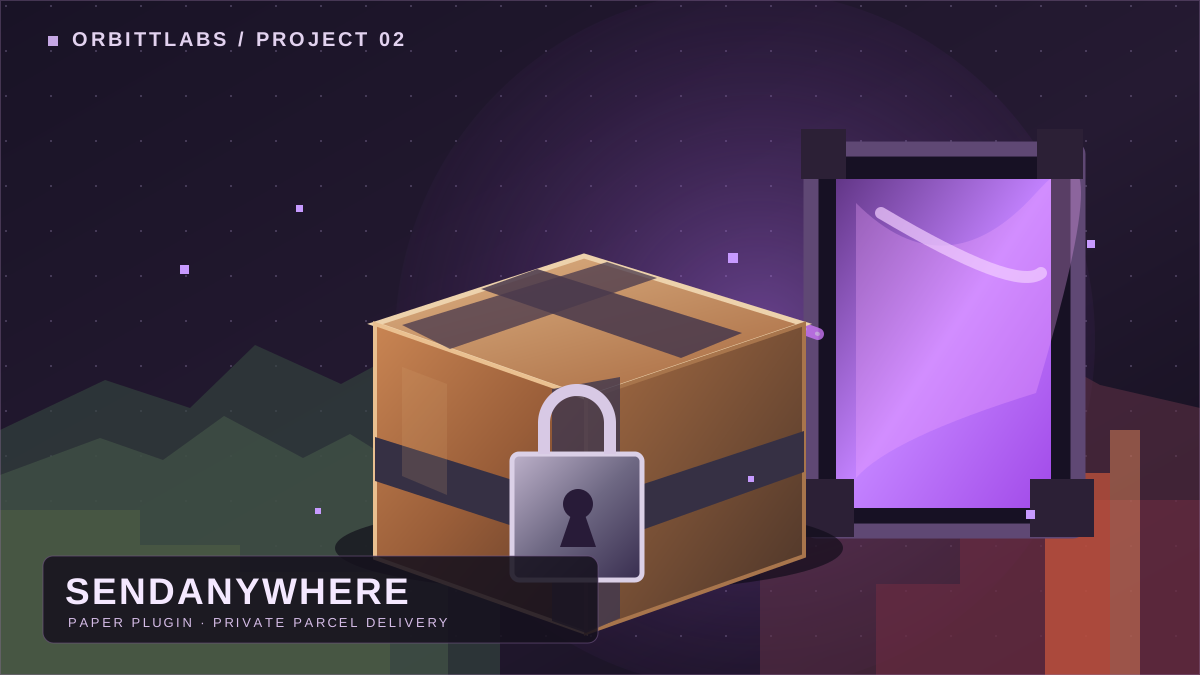
Available on CurseForge. Built for compatible Minecraft Java Edition Paper servers, using a command-driven parcel workflow and physical locked delivery barrels.
Packing menus, dimension selection, inventory navigation and GUI improvements are being developed and tested separately. Feature availability varies by build; don't assume they're included in beta.4.
SendAnywhere is a Minecraft Paper plugin for sending a hotbar stack to another player at chosen coordinates, subject to recipient approval and safe placement. It is not a universal teleportation tool.
Cross-dimension delivery is a development focus and has been tested in newer builds. Confirm the specific dimension controls and support in the version you install. The public beta.4 release is primarily documented around coordinate-based deliveries.
No client-side mod is needed for the published classic Paper plugin. Some experimental GUI builds may introduce separate resource-pack requirements.
The recipient accepts or declines the request, and only the intended receiver should be able to unlock the physical parcel using the four-digit code. Always test these protections in your own server environment.
The published beta.4 lists land-claim integrations as not implemented. Check your protection plugins and test placement in a disposable world before allowing important transfers.
It is still a beta release. The project warns that unsafe placement, compatibility differences and unexpected crashes or storage errors could lead to item loss. Make backups and test with disposable items first.
Get the current build on CurseForge, read the setup guide, or submit a report through the OrbittLabs bug centre.
Artwork, screenshots and development previews from OrbittLabs.
Loading screenshots...
Share feedback and suggestions. New comments appear after approval by OrbittLabs. Please don't post personal or sensitive details.
Loading comments...